Breaking Lab srl

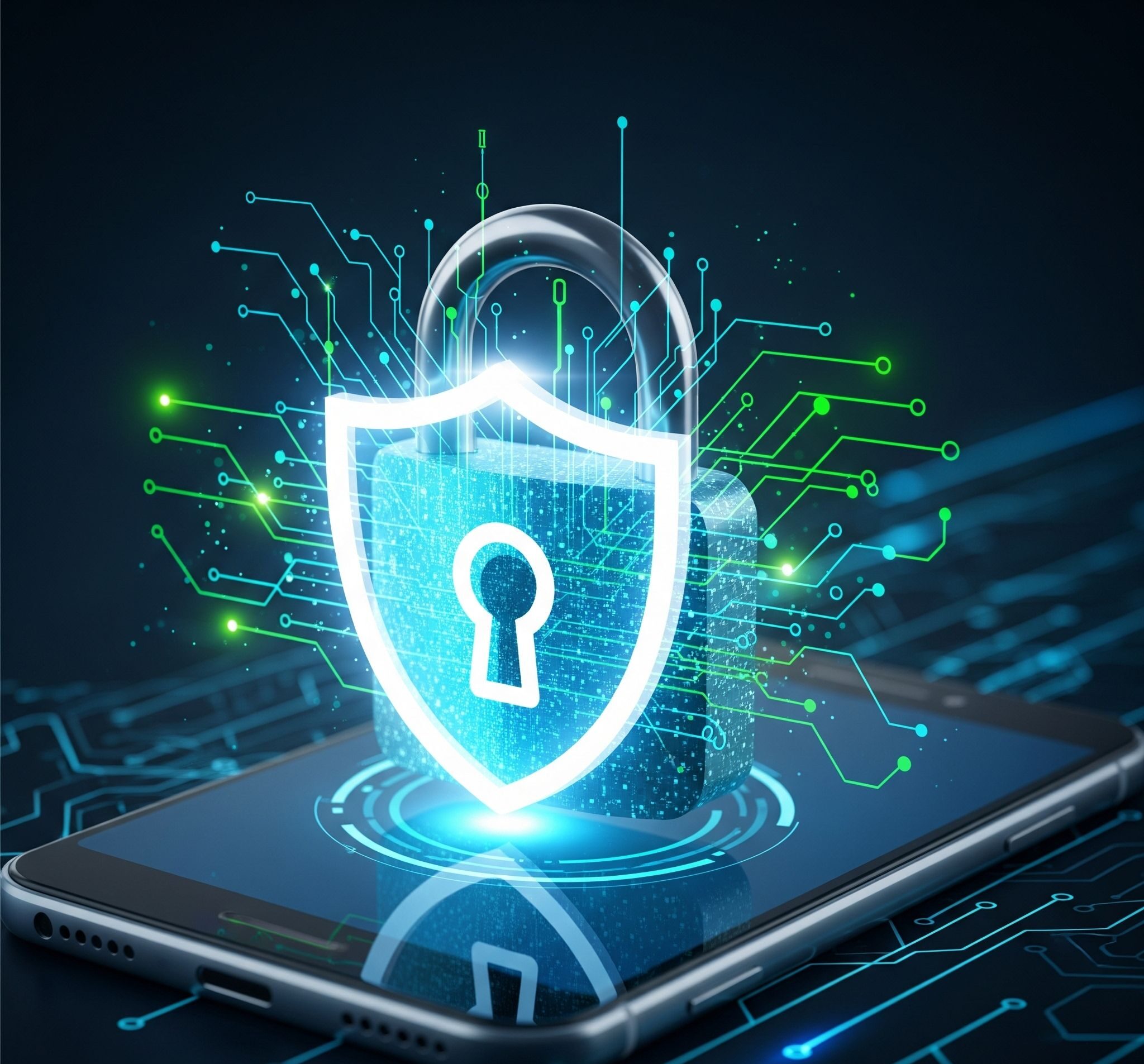

In the digital age, a single password is the key to a vast amount of personal and financial data. A recent incident involving a database of millions of compromised credentials, allegedly including those for a popular payment service, highlights the critical importance of proactive online security. While the origins of the data are debated, the best course of action remains clear: act immediately to protect your accounts.
Here are four essential steps you should take right now to secure your digital life:
1. Change Your Password Immediately This is the single most important step. If there is any indication your password has been compromised, you must change it on the affected account without delay. Create a new password that is long, complex, and unique. Avoid using easily guessable information like your name, birth date, or common words. A good password should include a mix of uppercase and lowercase letters, numbers, and symbols.
2. Check Your Other Accounts A common and dangerous practice is reusing the same password across multiple platforms. If you have used the same password for your email, social media, or online shopping accounts, these are all now at risk. You must change the password for every single account where you’ve used the same, or a similar, credential. Think of all the places that hold your sensitive information and start updating them.
3. Activate Two-Factor Authentication (2FA) Two-factor authentication adds a crucial layer of security to your accounts. Even if a cybercriminal manages to steal your password, they will be unable to access your account without a second form of verification, such as a code sent to your mobile phone or generated by an authenticator app. The article notes that while 2FA isn’t perfect, it significantly increases the difficulty for hackers to access your account. You should enable 2FA on all your critical accounts, including email, banking, and any service that holds your financial information.
4. Use a Password Manager Remembering a unique and complex password for every single online service is a near-impossible task. This is where a password manager becomes invaluable. Services like Bitwarden or 1Password can generate and securely store unique passwords for you, so you only have to remember a single master password. This tool not only simplifies your online life but also enforces strong password hygiene, making it much harder for cybercriminals to compromise your accounts. The stolen data in the recent case is believed to be a result of sophisticated malware designed to steal information from infected devices, reinforcing the need for both strong passwords and a secure system to manage them.
By taking these steps, you can significantly reduce your vulnerability to cyber-attacks and protect your valuable personal and financial information.