Breaking Lab srl


When Your Website Becomes Someone Else’s Tool
Most website owners worry about their site being defaced or taken offline. But a growing threat is quieter and, in some ways, worse: your site gets hijacked and used as infrastructure for criminal activity, while you remain completely unaware.
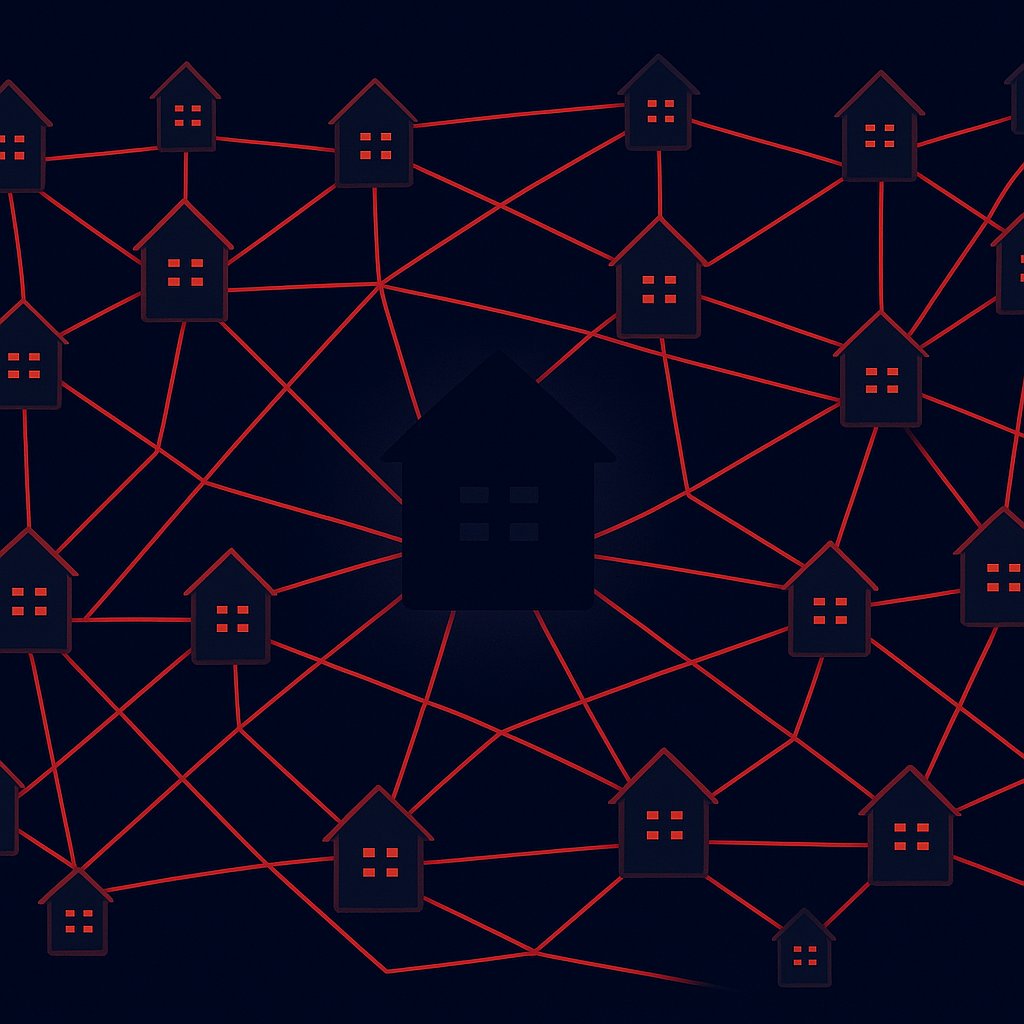
That is exactly what happened with roughly 2,000 WordPress sites recently. Criminals compromised these legitimate, trusted sites and folded them into a large coordinated operation. The sites were used to deliver malware to visitors, act as command-and-control servers — meaning they sent instructions to already-infected devices elsewhere — and even store documents stolen from victims.
Why WordPress Sites Are Such an Attractive Target
WordPress powers around 40% of all websites on the internet. That scale alone makes it a prime target. But the bigger issue is that many WordPress installations are poorly maintained. Outdated plugins (add-ons that extend a site’s features), old themes, and weak passwords all create easy entry points for attackers.
Crucially, a hacked site does not need to look broken to be dangerous. The criminals behind this operation had no interest in vandalising these sites. They wanted them to keep running normally so that neither the owner nor visitors would suspect anything was wrong. A site that looks fine can still be quietly serving malware to every visitor.
What You Should Check Right Now
If you run a WordPress site, a few basic steps dramatically reduce your risk. First, make sure WordPress itself, all plugins, and all themes are updated to their latest versions. Most successful attacks exploit known weaknesses that patches have already fixed. Second, remove any plugins or themes you are not actively using — dormant software is a common entry point. Third, install a reputable security plugin that scans for unauthorised file changes; tools like Wordfence or Sucuri can alert you if something has been added or modified without your knowledge.
It is also worth checking with your hosting provider whether they offer server-level malware scanning. Many managed WordPress hosts include this by default. If yours does not, it may be worth switching to one that does.
The Bigger Picture
This case is a reminder that website security is not just about protecting your own visitors and data. A compromised site becomes a weapon aimed at others, and the site owner can face legal, reputational, and financial consequences even though they were a victim themselves. As attackers get better at hiding their tracks, the pressure on every site owner — not just large businesses — to keep things updated and monitored will only grow.