Breaking Lab srl


When a Trustworthy Link Becomes a Trap
Most people have been taught a simple rule: before you click a download link, hover over it and check the URL at the bottom of your browser. If the address looks right, you are safe to proceed. A new discovery involving 41 deceptive websites shows that rule no longer holds up.
Researchers identified a set of sites that display a completely legitimate web address — one you might even recognise — in the link preview. But the moment you click, the site quietly redirects your browser to a different server that pushes a malicious file instead of the one you expected. By the time the download starts, you are already somewhere else.
Why Your Usual Checks Will Miss This
Two safety habits that most people rely on are now being specifically defeated by this technique.
The first is the hover-check described above. Because the visible link and the destination briefly match before the redirect fires, standard browser previews do not warn you in time.
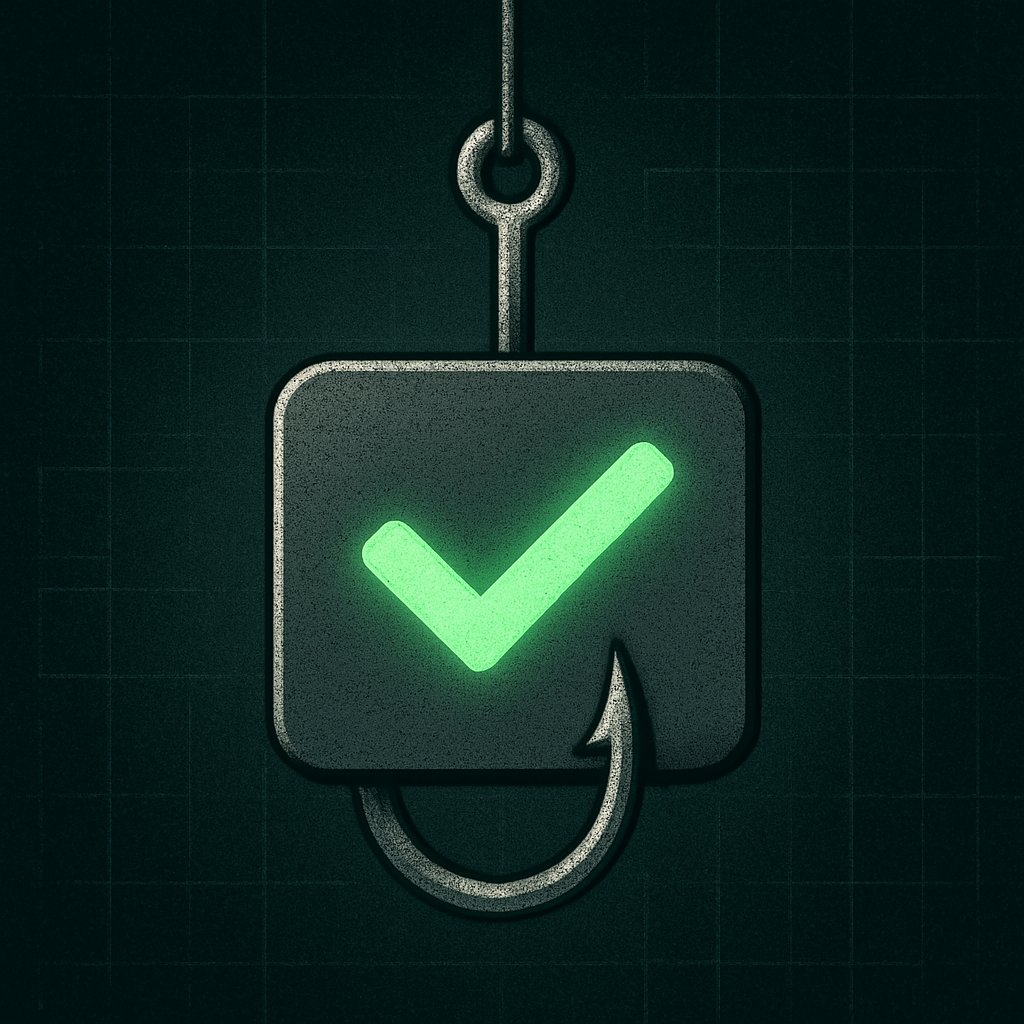
The second is digital signatures — small certificates that software publishers attach to installer files to prove the file has not been tampered with. Some of the files delivered by these sites carry valid-looking signatures, which makes them pass the kind of quick check that even cautious users perform before running an installer.
Together, these two tricks mean the usual reassurances — “the link looks right” and “the file is signed” — can both be present and still leave you at risk.
Who Is Most Exposed
Anyone who searches for free software, drivers, or utilities and clicks results beyond the first page is in the highest-risk group. These deceptive sites are designed to appear in search results alongside — or even above — the real publisher’s page. Small business owners, developers setting up new machines, and people self-hosting tools on a VPS (a rented virtual server) are particularly vulnerable because they routinely download software from less familiar sources.
What You Can Do Right Now
A few practical habits reduce your exposure significantly. First, go directly to the software publisher’s own domain rather than searching for the download. Second, use a browser extension that checks destination URLs in real time, not just the link text. Third, if you are on Windows, run downloaded installers through Windows Defender or VirusTotal — a free online scanner — before opening them, regardless of whether they carry a digital signature. On a server, consider verifying file checksums (a unique fingerprint the publisher publishes alongside the download) rather than relying on signatures alone.
The Bigger Picture
This kind of attack reflects a broader shift: rather than breaking security tools, attackers are learning to mimic the signals those tools look for. As long as the appearance of safety is enough to satisfy most users, faking that appearance will remain a cheap and effective strategy. The only durable defence is downloading software from sources you trust independently — not ones that simply look trustworthy at a glance.